01 / Record
Start it on the call
As the host, choose Record and confirm. Robin records the video, the audio and a transcript. You can stop the recording before the call ends.
Session recording
Record a peer coaching session on Robin. Replay it after the call, hear what you actually said, and take it to your mentor coach.
Included in Robin Pro.
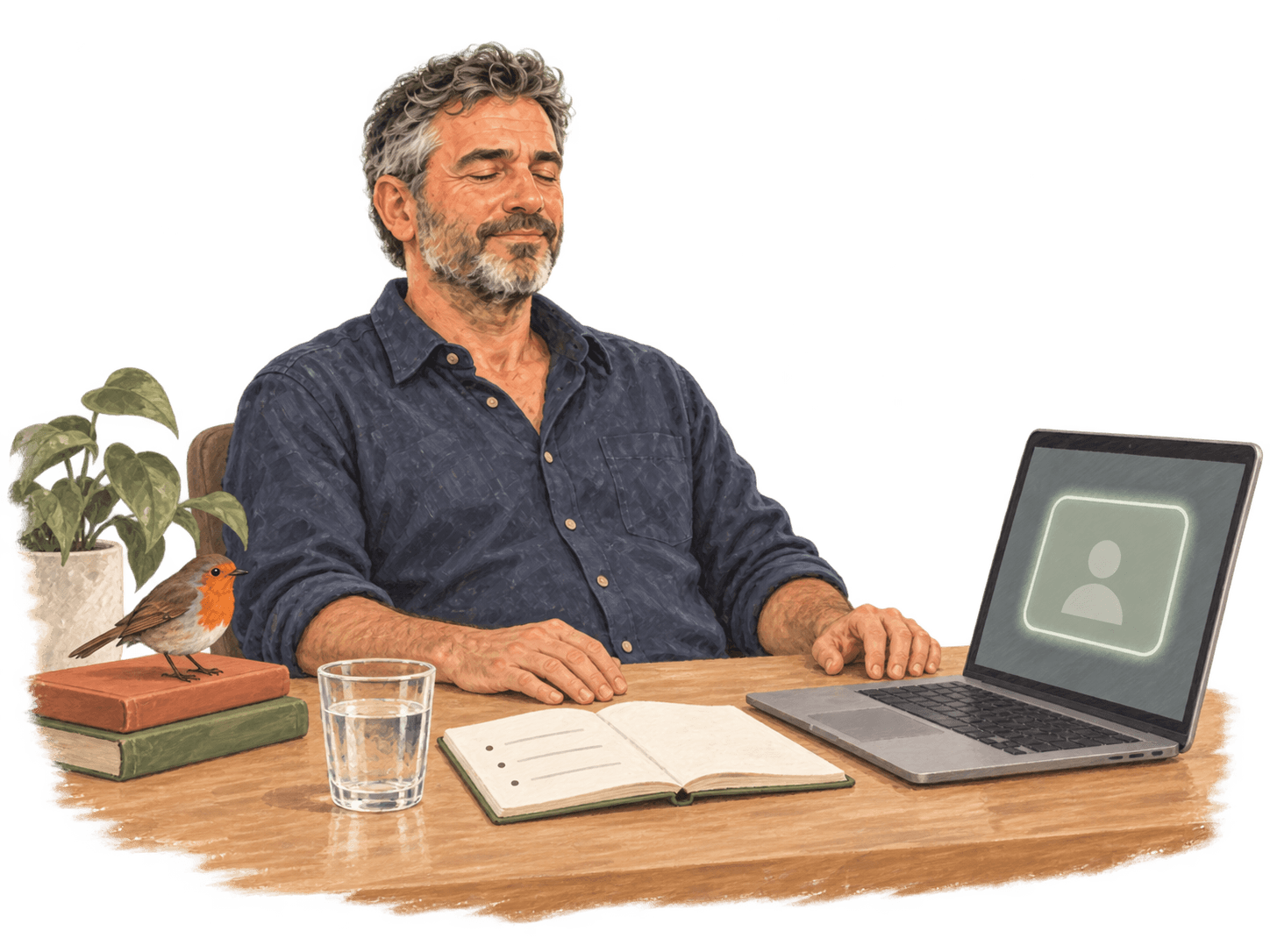
In the moment, you’re busy coaching. A recording lets you step back and notice what you missed.
01 / Record
As the host, choose Record and confirm. Robin records the video, the audio and a transcript. You can stop the recording before the call ends.
02 / Replay
Once Robin has processed it, the recording is on the session page. Play it back with the transcript, or download it.
03 / Share
Share it with the other coach in the session, file by file, and withdraw the share when you like. Or download it for your mentor coach.
Session review reads the session transcript and points to moments in your coaching. With a recording, you can go to each moment and hear it again. It’s part of Robin Pro too.
See Session reviewRecorded with care
A recording holds two coaches’ words. Robin keeps it private to the host, and the host decides who else sees it. The one exception is an investigation into a safety report.
Read how recording works in HelpPart of Robin Pro
Pro includes session recording and Session review.
Peer matching, messaging, scheduling, video calls and transcripts stay free. Pro is optional.